
YouTube Thumbnail Previewer
Preview YouTube thumbnails in real-time across desktop and mobile devices
Your Thumbnail Preview

World's Fastest Car Vs Cheetah!
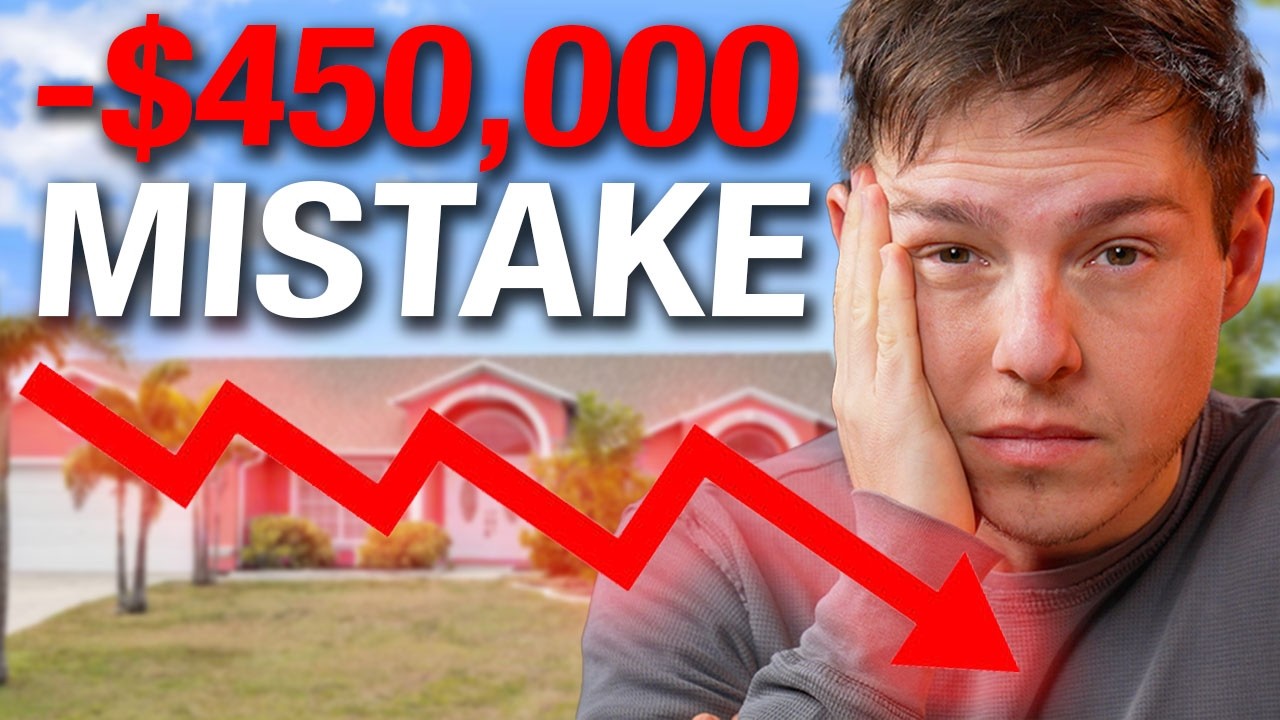

Buy vs Rent a House - 7 Mistakes That NO ONE Tells You!
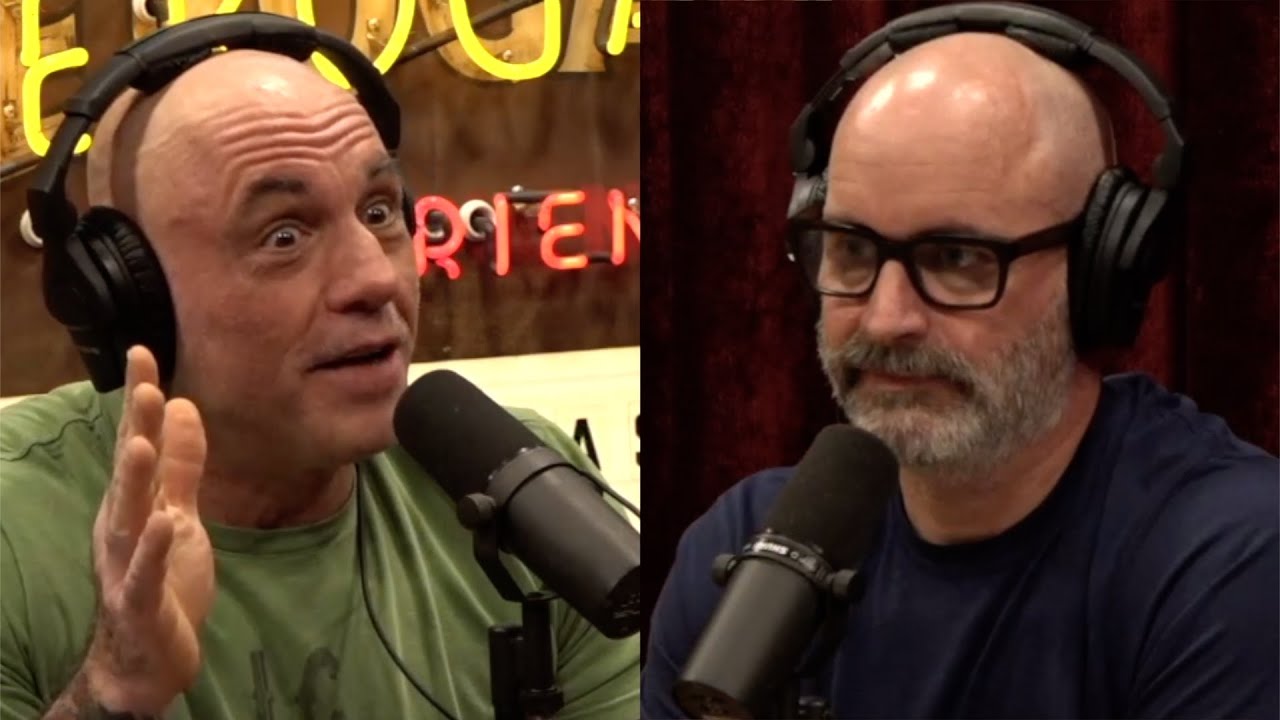

The Highly Redacted Epstein Files Were Released


Every Mistake I Made in 2025
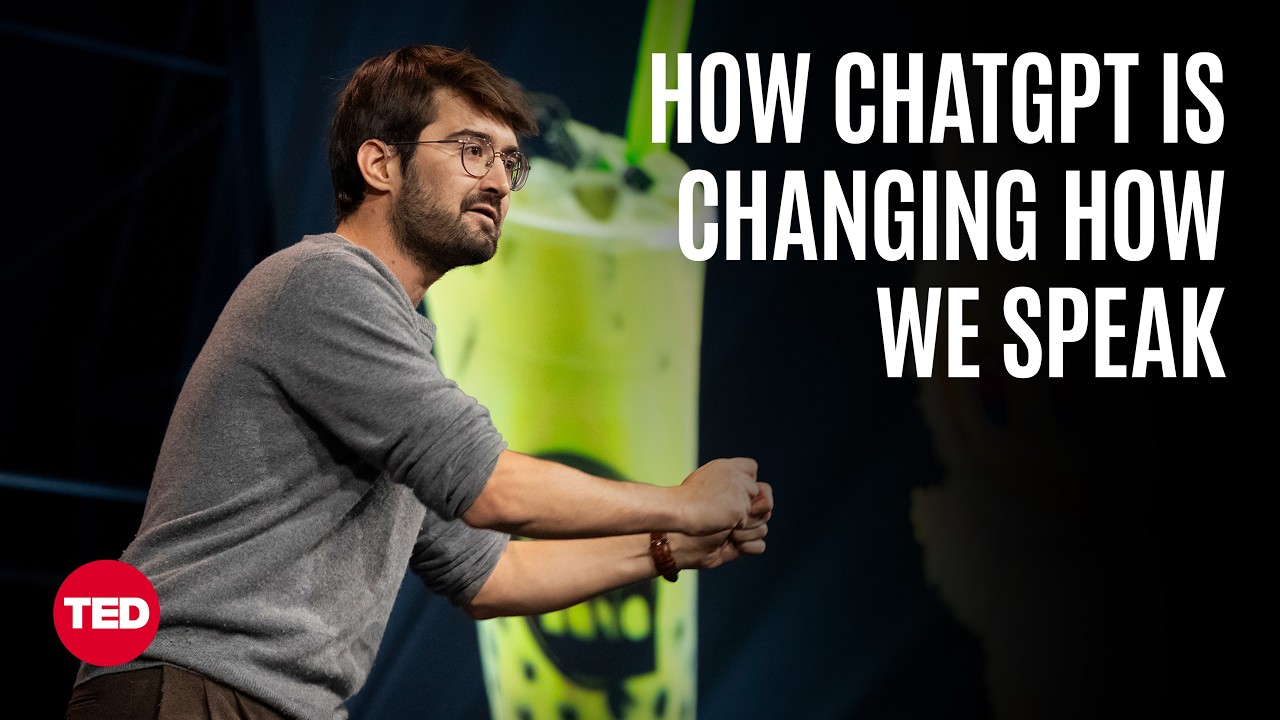

Why Are People Starting to Sound Like ChatGPT? | Adam Aleksic | TED
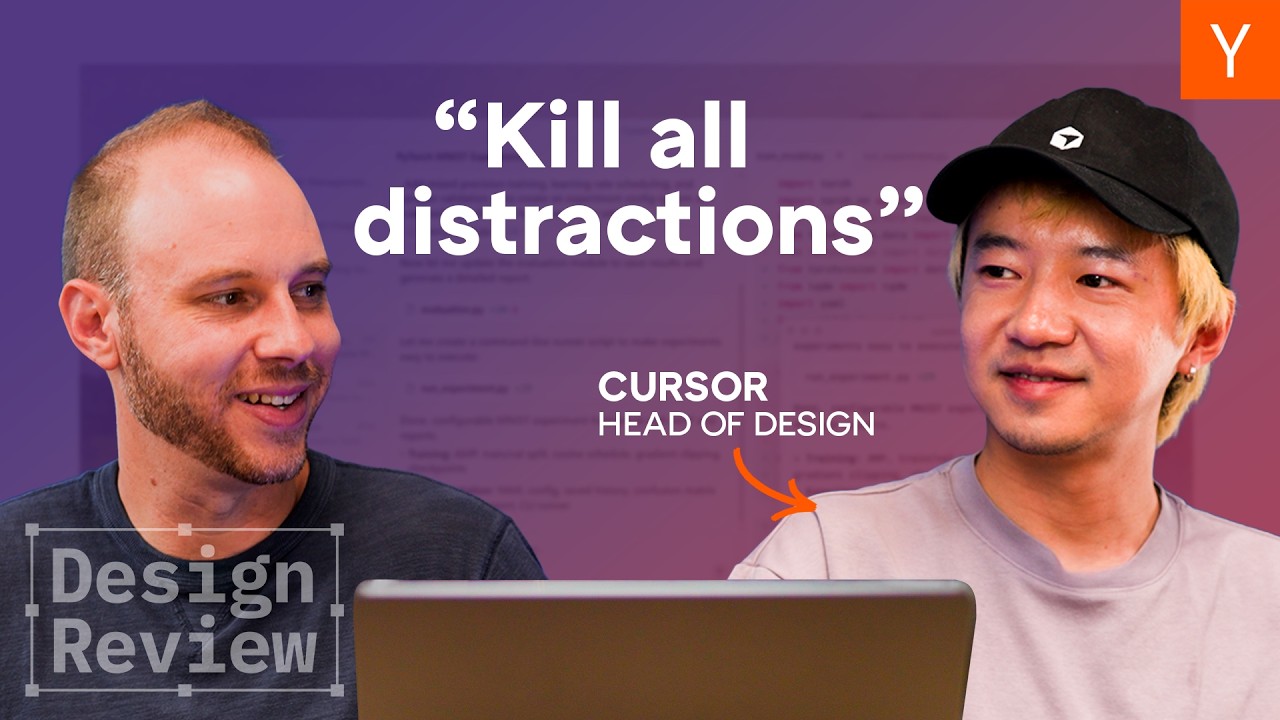

Cursor Head of Design Roasts Startup Websites
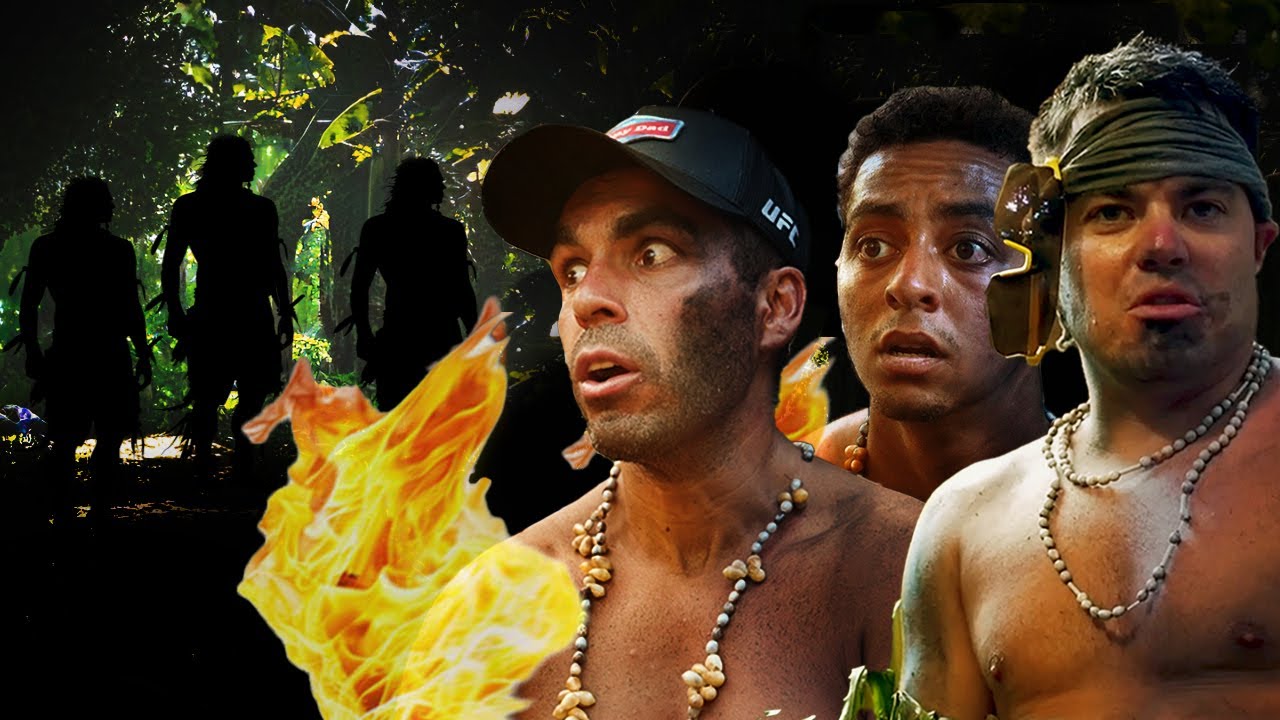
NELK Visits a Dangerous Uncontacted Tribe!


Exposing a $10,000,000,000 Debt Industry


The Truth About My Fight

If You Don't Respect Johnny Depp, Watch This — Johnny Depp's Emotional Speech
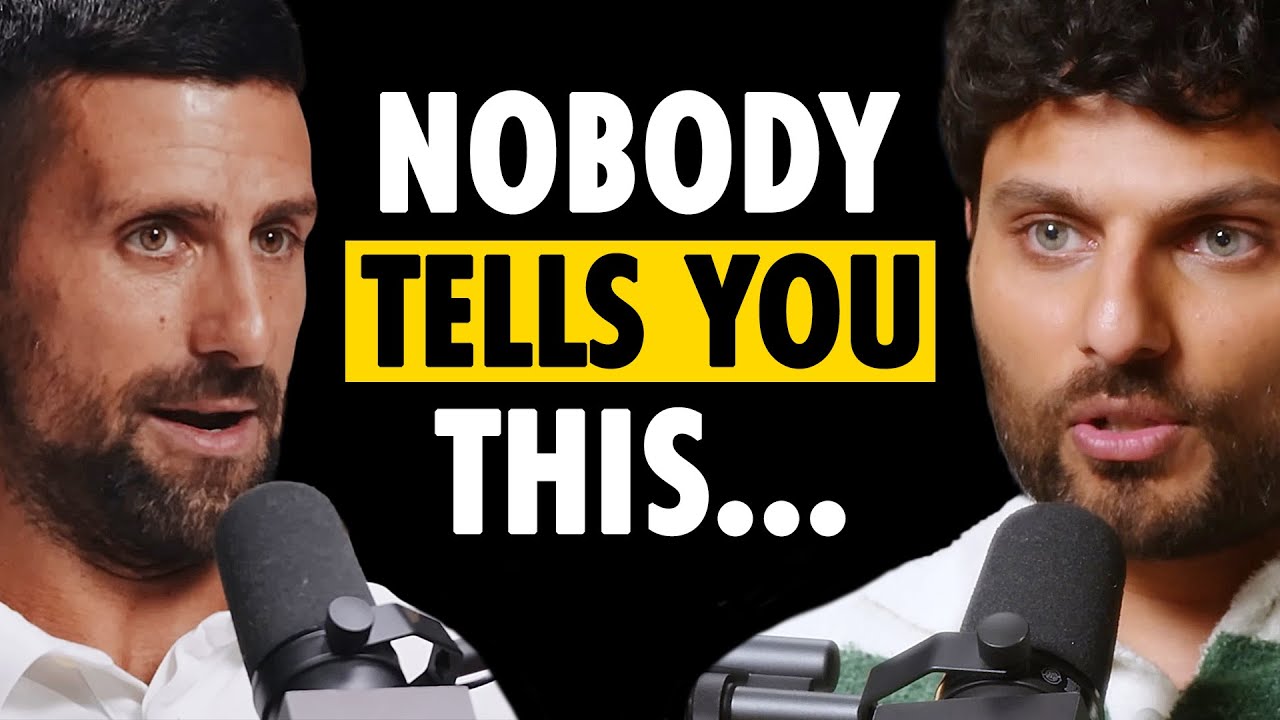

Novak Djokovic REVEALS His Secret Mindset Shift That ENDS Self-Doubt...
The YouTube Thumbnail Previewer is a simple tool that helps you see how users will view your YouTube video on their feeds, exactly within the native YouTube UI. Seeing your thumbnail in isolation is one thing, but seeing it in the actual UI, competing against a bunch of real videos, is another. This difference is why most thumbnails fail to grab attention. The tool simulates your thumbnail across different screen sizes without requiring any login. Here's a summary of what it can do:
- Preview thumbnails in Desktop, Mobile, and Tablet Sizes.
- See the difference between dark and light mode layouts.
- Find out how it looks in search results, sidebars, playlists, and more.
Why is this better than actually uploading on YouTube?
YouTube only allows you to view your thumbnail on your own channel. There is no way to see your thumbnails from a user's perspective. That's where our free YouTube Thumbnail Previewing Tool comes in. It lets you see exactly what users might see on their YouTube app, helping you make informed decisions about your thumbnail design.
How do I use this tool?
It's just a single step: upload your thumbnail. That's it. We instantly generate different kinds of previews for you to see. No login or installations are required; everything happens within your browser. We primarily generate Desktop, Mobile, and Tablet views, in both Light and Dark Mode, and also the smaller snippets like search results, watch-later playlists, and sidebar recommendations. You need to look across every size to ensure your thumbnail makes sense even in the smallest areas, because that's where the clicks often originate.
What factors should I care for while using the tool?
The most important thing to note is clickability. Does this thumbnail make people want to click? Is there a strong hook or a curiosity gap that compels people to click?
The ultimate goal is clickability. However, clickability is a function of:
- Is there a curiosity gap that makes people want to click?
- Is there a hook, something that gets their attention?
- Are the visuals in the thumbnails easy to understand?
- Will the text work in smaller screens or sidebars?
- Can people read the text, even when viewing conditions are poor?
Do you need to create an account or pay for anything to try this?
No, this is a simple tool that works within your browser. No login, account, or payment of any kind is required to test this out, and there are no third-party ads. Since this is a lightweight tool and most of its functionality is simple, it runs within your browser and doesn't consume a lot of resources. It doesn't feel right to charge for something this tiny. We do have a very subtle, self-promotional plug for our other tool that might be relevant to creators, but that's all.